
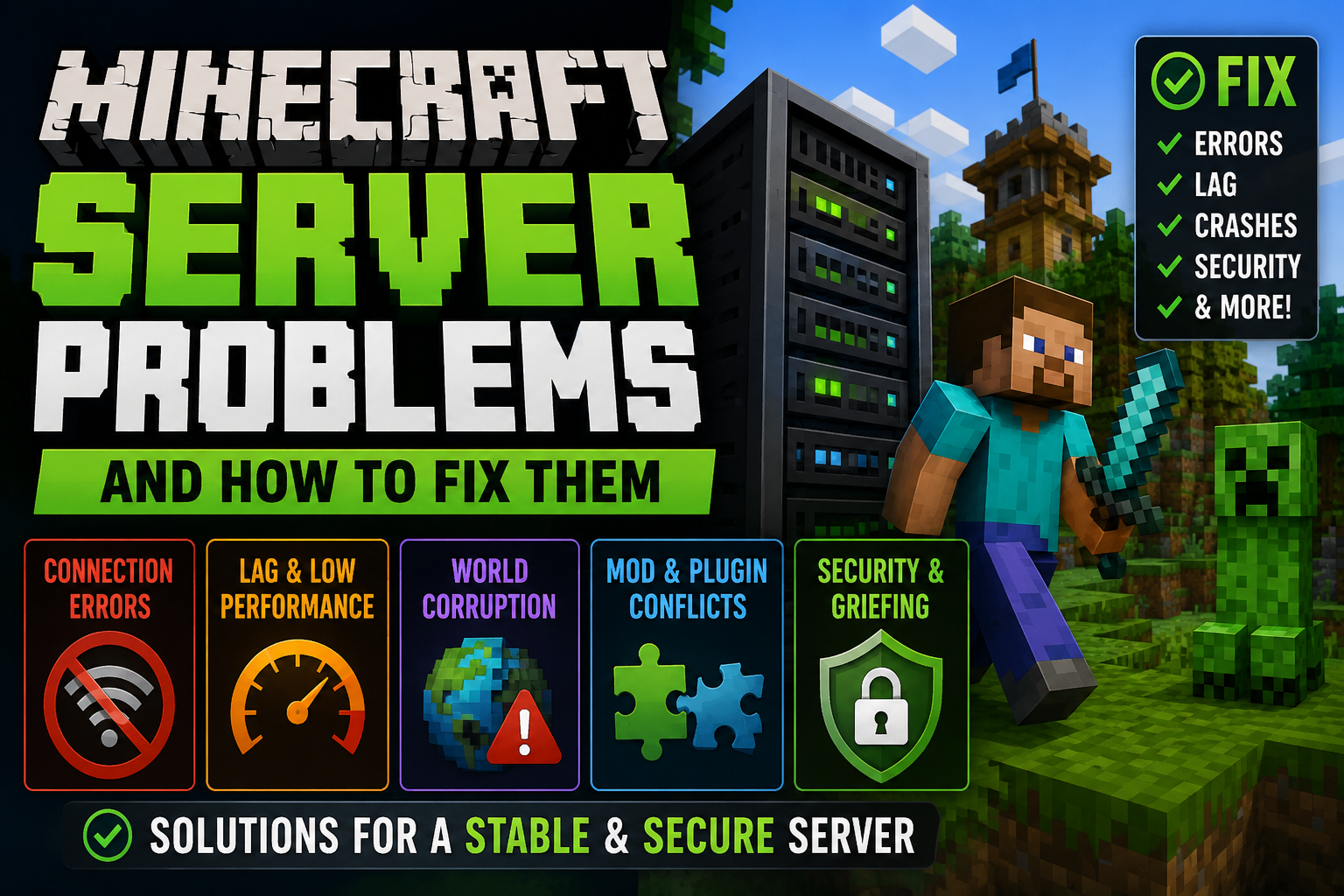
Running a Minecraft server presents numerous technical challenges that can frustrate even experienced administrators. Many administrators also struggle with how to update minecraft server software correctly, as version mismatches between the server and player clients frequently cause connection errors and compatibility problems. From players unable to connect to sudden performance crashes, these issues often arise without warning and demand immediate attention. While some problems stem from simple configuration mistakes, others require deeper investigation into network settings, hardware limitations, or software conflicts. Understanding the root causes behind these common failures is essential for anyone hoping to maintain a smooth, enjoyable multiplayer experience for their community.
Understanding the Most Common Minecraft Server Issues Players Encounter
When players attempt to join or host a Minecraft server, they frequently encounter a predictable set of technical obstacles that can disrupt gameplay. Connection timeouts represent the most prevalent issue, occurring when the client cannot establish communication with the server within the allocated time frame.
Authentication failures prevent players from verifying their accounts, blocking access entirely. Server lag manifests as delayed block placement, sluggish entity movements, and unresponsive commands, degrading the gaming experience considerably. Port forwarding complications arise when routers block incoming connections, making servers invisible to external players.
Version mismatches between client and server software trigger compatibility errors. Memory allocation problems cause crashes when insufficient RAM is assigned. Firewall restrictions can silently prevent connections without obvious error messages, requiring manual configuration adjustments.
How to Fix Connection Errors and Server Timeout Problems
Connection timeout errors stem from several identifiable causes that require systematic troubleshooting to resolve. Players should first verify their internet connection stability and restart their router if necessary. Firewall settings often block Minecraft’s default port (25565), requiring manual configuration to allow traffic through.
Server operators must guarantee port forwarding is correctly configured on their router, directing external connections to the host machine’s local IP address. Increasing the server timeout value in server.properties can accommodate slower connections. Players experiencing persistent issues should try flushing their DNS cache using command prompt tools.
Reducing server render distance and allocated RAM helps prevent overload-related timeouts. Whitelist verification guarantees authorized players aren’t accidentally blocked. Network congestion during peak hours may necessitate scheduling gameplay during off-peak times for best connectivity.
Resolving Lag, Performance Drops, and High Resource Usage
Performance issues in Minecraft servers manifest through stuttering gameplay, delayed block updates, and extended entity processing times that frustrate both administrators and players. Server administrators should first examine RAM allocation, ensuring sufficient memory is dedicated to the Java virtual machine through proper startup parameters. Monitoring tools like Timings or Spark identify problematic plugins, regions, or entities consuming excessive resources.
Common solutions include reducing view distance in server.properties, limiting entity counts through configuration files, and clearing unnecessary chunks with world management tools. Pre-generating terrain prevents chunk generation lag during exploration. Upgrading server hardware, particularly CPU performance and storage speed through SSD implementation, provides substantial improvements.
Installing optimization plugins like Paper or Purpur enhances tick rate stability. Regular garbage collection tuning and removing redundant plugins further minimizes resource consumption while maintaining gameplay quality.
Troubleshooting World Corruption, Save Errors, and Backup Recovery
World corruption represents one of the most severe issues Minecraft server administrators face, potentially destroying hours of player progress and requiring immediate intervention. Save errors typically manifest as “Failed to save chunk” messages, indicating insufficient disk space, permission problems, or hardware failures. Administrators should immediately check available storage, verify write permissions on world folders, and examine server logs for I/O errors.
Running filesystem checks can identify underlying disk problems before complete failure occurs. Prevention requires implementing automated backup systems with multiple retention points. Tools like rdiff-backup or custom scripts should create incremental backups every few hours while maintaining daily snapshots for several weeks.
When corruption occurs, administrators must stop the server immediately, restore from the most recent clean backup, and investigate the root cause. Region file tools can sometimes repair minor corruption without full restoration.
Managing Mods, Plugins, and Version Compatibility Without Conflicts
Although Minecraft’s extensive modding ecosystem enables remarkable customization, incompatible modifications create cascading failures that crash servers or corrupt game mechanics. Administrators must verify mod and plugin compatibility with their server’s exact Minecraft version before installation. Mismatched versions cause immediate crashes or subtle errors that accumulate over time.
Dependency conflicts arise when multiple modifications alter identical game functions. Server operators should maintain detailed documentation of installed modifications, noting version numbers and interdependencies. Testing modifications individually in isolated environments identifies problematic interactions before deployment.
Plugin loaders like Spigot, Paper, and Forge require specific configurations. Mixing incompatible loaders guarantees failure. Regular updates introduce breaking changes, necessitating compatibility verification after each modification update. Staging servers allow safe testing before applying changes to production environments, preventing player-affecting disruptions.
Improving Server Security to Prevent Unauthorized Access and Griefing
Without robust security measures, Minecraft servers become vulnerable to malicious actors who exploit open access to grief builds, steal resources, or crash the server entirely. Implementing a whitelist restricts server access to approved players only, providing the strongest protection against unauthorized entry. Server administrators should enable authentication through the server.properties file by setting “online-mode=true” to verify player identities.
Installing protection plugins like CoreProtect or Prism enables administrators to track and rollback griefing incidents. Permission management systems such as LuckPerms establish tiered access levels, preventing regular players from executing administrative commands.
Regular password updates for RCON and FTP access prevent credential compromises. Firewall configurations should limit open ports exclusively to necessary services. Enabling DDoS protection through hosting providers or services like Cloudflare mitigates attack vectors that overwhelm server resources.
Best Practices for Maintaining a Stable, Reliable, and High-Performance Minecraft Server
Regular server maintenance forms the foundation of ideal Minecraft performance, requiring administrators to establish systematic routines that prevent degradation over time. Scheduled restarts clear memory leaks and refresh server resources, ideally occurring during low-traffic periods every 12-24 hours. Administrators should monitor server logs daily to identify errors, plugin conflicts, and performance bottlenecks before they escalate into critical issues.
Updating server software, plugins, and mods promptly addresses security vulnerabilities and compatibility problems. However, testing updates in development environments prevents unexpected disruptions to live servers. Database optimization removes orphaned data and reduces query times, particularly for servers using economy or permissions plugins.
Regular world backups protect against data corruption, with automated systems creating incremental copies hourly and full backups daily. Performance monitoring tools track CPU usage, memory consumption, and tick rates, enabling proactive adjustments before players experience lag.